

Create a quote
Updated September 4, 2026
On this page
Quotes estimate and approve work before or alongside field execution. Create them from Documents on the web, or from + / Documents / Quotes in the app.
On the web
In the sidebar, open Documents.
Filter Quotes, then select Create → Create quote.
Choose a Quote template, then Edit in Studio (or Generate PDF).
In Studio, review the quote and select Generate PDF. Line items are edited here.
In the app
On the Dashboard, tap +.





Tap Create quote. You can also start from Documents → Create document → Create quote.
On New quote, pick a template, then tap Next.
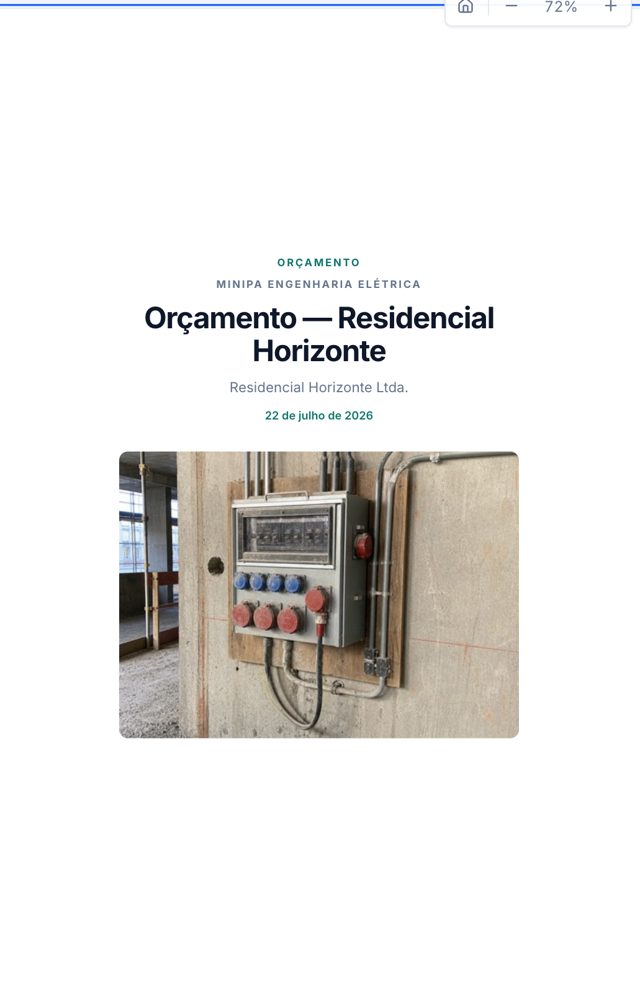
The quote appears on Quotes. Tap it — for example Maintenance quote on Subestação Centro.
Tap Edit quote. The editor opens in a web view — there is no native line-item studio.
Tips
- On the web, filter Quotes, then Create → Create quote. Pick a template, then Edit in Studio or Generate PDF. Line items live in Studio.
- In the app, + → Create quote (or Documents → Create document → Create quote) opens New quote. After you pick a template, the quote appears on Quotes.
- Open the quote and tap Edit quote to finish in a web view. There is no native line-item studio.
- You can link a quote to a project so it stays with that job. Quotes and reports both appear on Documents.
- Quote generation may require a paid plan.
Related: Find and create documents, Generate a report, and Customize report templates.
Was this article helpful?